10 Best Tips to Program a CNC Milling Machine for Beginners?

Time:2026-06-24 Author:Madeline
0%

When diving into the world of CNC milling, it's essential to start with a solid foundation. According to John Smith, a seasoned CNC technician, “Understanding the basics is crucial for success in CNC programming.” If you're asking how to program a CNC milling machine for beginners, you’re not alone. Many newcomers face challenges, from learning G-code to setting up the machine correctly.

Beginning with the right mindset is vital. CNC programming can seem overwhelming. However, it becomes easier with practice and patience. Many beginners struggle with concepts like tool paths and speeds. Mistakes often happen in the initial learning stages. Yet, every error presents an opportunity to improve.

As you explore programming, remember to engage with the machine directly. Hands-on experience is valuable in grasping complex ideas. Experimenting with different settings will deepen your understanding. This journey requires reflection and adaptability. Embrace the learning curve, and don’t shy away from seeking help when needed.
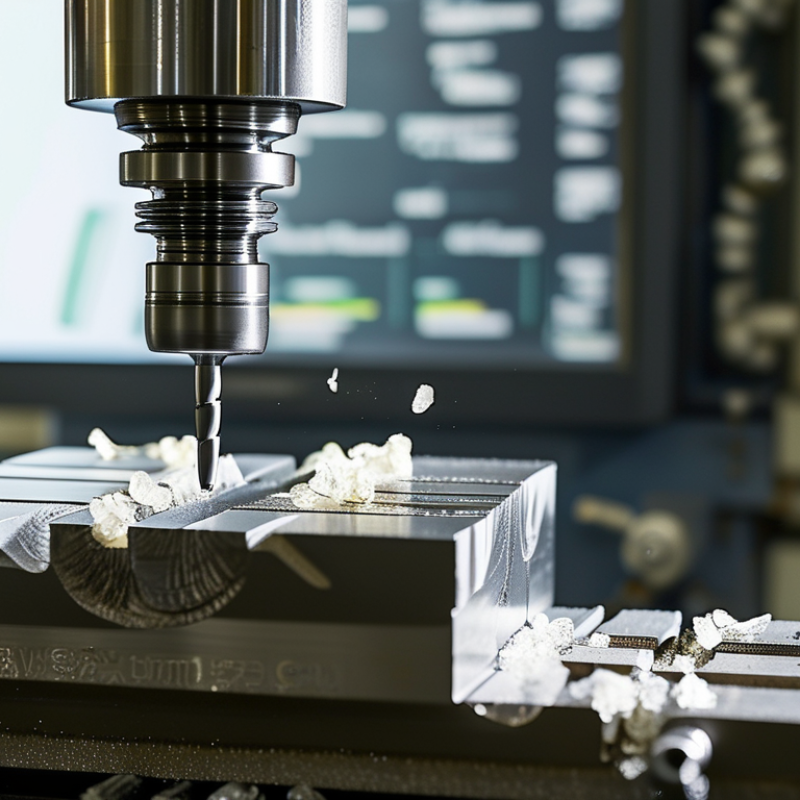
10 Best Tips to Program a CNC Milling Machine for Beginners?

Understanding CNC Milling Machines: An Overview for Beginners

CNC milling machines are pivotal in modern manufacturing. They enable precise machining of materials like metal and plastic. A basic understanding of CNC technology is essential for beginners. The market for CNC machines is expected to grow, reaching $100 billion by 2025. This signifies a rising demand for skilled operators.

Programming a CNC machine may seem daunting at first. Get familiar with G-code, the language that drives these machines. It's like learning a new dialect. Start small and gradually tackle more complex tasks.

One useful tip for beginners is to always simulate the program before running it on the machine. This can prevent costly mistakes. Another tip is to keep your workspace organized. A clutter-free area aids concentration and reduces errors. Implementing these small practices can significantly improve efficiency.

While mastering CNC programming can be challenging, the journey can be rewarding. Expect to make mistakes and learn from them. Each error provides insight into refining your technique. Embrace the learning process as you advance in CNC milling.

Essential Terminology and Concepts in CNC Programming

CNC (Computer Numerical Control) programming involves precise terminology and concepts essential for effective machine operation. Understanding these terms can significantly enhance programming efficiency. Key concepts include G-codes, which instruct the CNC machine on movements and actions. For example, G01 denotes linear interpolation, while G02 and G03 are used for circular movements. Familiarity with this lingo lays a solid foundation for beginners.

When starting CNC programming, focus on the following tips. First, always verify your tool paths with simulation software. This practice reduces errors and material waste. Second, maintain a clean working environment. A tidy workspace helps prevent mistakes and promotes safety. Lastly, learn to troubleshoot common issues. For example, if the machined parts are not accurate, check the machine calibration and tool wear.

Understanding feed rates and spindle speeds is crucial. Researchers indicate that improper settings can lead to decreased productivity and tool life. For instance, setting a high feed rate can result in poor surface finish. Therefore, knowing the material properties and recommended settings is vital. Emphasize continuous learning and remain adaptable to new methods, as CNC technology evolves rapidly.

Key Software Tools for CNC Milling Machine Programming

CNC milling machine programming requires specific software tools. Understanding these can greatly enhance your efficiency. One popular software type is CAD (Computer-Aided Design). CAD helps create detailed 2D and 3D designs. This software visualizes your ideas before machining begins. Learning to use CAD software is a must for beginners.

Another essential tool is CAM (Computer-Aided Manufacturing) software. CAM translates CAD designs into machine instructions. It generates G-code, the language CNC machines understand. Beginners should focus on learning how to create efficient toolpaths. Skilled use of CAM software can significantly reduce machining time. It requires practice and patience, but the results are worth the effort.

Simulation software is also vital. It allows users to test their machining programs virtually. This can prevent costly mistakes during actual machining. However, beginners often underestimate the importance of this step. Mistakes in programming can lead to damaged materials or tools. Taking the time to simulate your processes can save time and resources in the long run. Learning these tools takes time. Each tool has its learning curve. Embrace the challenges as part of your growth in CNC machining.

Top 10 CNC Milling Machine Programming Tips

Step-by-Step Guide to Writing CNC Milling Machine Code

Programming a CNC milling machine can be intimidating for beginners. However, breaking down the process into manageable steps makes it achievable. Start by understanding the basics of G-code, which is the language used for CNC programming. Familiarize yourself with fundamental commands, such as G0 for rapid positioning and G1 for linear interpolation. These commands help you control the movements of the milling machine accurately.

Next, create a blueprint of your project. This should include dimensions, shapes, and features of the part you wish to mill. Once you have a clear plan, translate this into code. Remember, precision is key. Pay attention to coordinate systems and tool paths while writing the program. It might be beneficial to sketch out the code on paper first, allowing you to visualize the steps.

As a beginner, mistakes are part of the learning process. You may encounter errors in your code or unexpected machine behavior. Reflecting on these mistakes is crucial. Each error offers a lesson that helps improve your programming skills. By continually revisiting your approach and tweaking your code, you will develop a deeper understanding of CNC milling. Take your time, and don’t rush the learning journey.

Common Mistakes to Avoid When Programming CNC Machines

When programming a CNC milling machine, beginners often make common mistakes that can lead to errors. One frequent issue is not double-checking tool offsets. If offsets are incorrect, it can result in damaging the workpiece or tool. This mistake can be costly and frustrating. Another common error is neglecting to simulate the program before running it. Skipping this step can lead to unexpected tool paths and potential collisions.

It’s essential to pay attention to coordinate systems. Many newcomers mistakenly assume they understand machine coordinates. They often misinterpret the work offset origin. This confusion can cause serious errors in part dimensions. Additionally, failing to review the programming code for logical flow can cause missed steps. Often, a simple oversight like this can ruin an entire job. On the flip side, recording these mistakes can provide insight for future programming tasks, helping to refine skills and techniques over time.

FAQS

: What is CNC programming?

: CNC programming uses specific language to control machine movements and actions. It enhances precision in tasks like milling.

Why are G-codes important?

G-codes instruct the CNC machine on movements. They define actions like linear interpolation or circular movements crucial for accuracy.

How can beginners avoid programming errors?

Beginners should verify tool paths with simulation software. This step minimizes errors and reduces material waste during machining.

What common mistakes should be avoided?

A frequent mistake is not double-checking tool offsets. Incorrect offsets can damage parts or tools and lead to frustration.

Why is a clean workspace important?

A tidy working environment helps prevent mistakes. It also promotes safety, enabling more focused and effective programming.

How should projects be planned?

Before coding, create a detailed blueprint. Include dimensions and shapes of the part to ensure accurate translation into code.

What is the significance of feed rates?

Proper feed rates and spindle speeds are crucial. Incorrect settings can reduce tool life and impact the quality of the finished part.

What should be done if there are errors in code?

Mistakes are part of learning. Reflecting on errors helps improve skills. Revisiting and adjusting the code leads to a better understanding.

How important is understanding coordinate systems?

Misinterpreting coordinate systems can cause serious errors. It’s vital to grasp the work offset origin for achieving correct part dimensions.

What is the value of continuous learning in CNC programming?

CNC technology evolves rapidly. Emphasizing continuous learning allows for adaptation to new methods, improving efficiency and effectiveness.

Conclusion

Learning how to program a CNC milling machine for beginners involves grasping fundamental concepts and terminology specific to CNC technology. An overview of CNC milling machines introduces their functionality and applications, while understanding essential terms is crucial for effective programming. Key software tools are also highlighted, which facilitate the coding process and help novices navigate the complexities of CNC operations.

The article provides a step-by-step guide to writing CNC milling machine code, emphasizing systematic learning to overcome initial hurdles. It also outlines common mistakes to avoid, ensuring beginners can approach their programming tasks with confidence. By following these tips, beginners can effectively develop their skills in CNC milling machine programming and enhance their overall proficiency in the field.

Madeline

Madeline

Madeline is a dedicated marketing professional with a wealth of expertise in our company's core offerings. With a keen understanding of the industry, she brings a unique perspective to her role, consistently delivering high-quality content that highlights the superior aspects of our products. As......